
Loomian Legacy Auto Farm & Auto Encounter Scripts
What encounter loops and spin bots claim to automate — and why they trigger bans in online Loomian Legacy servers.
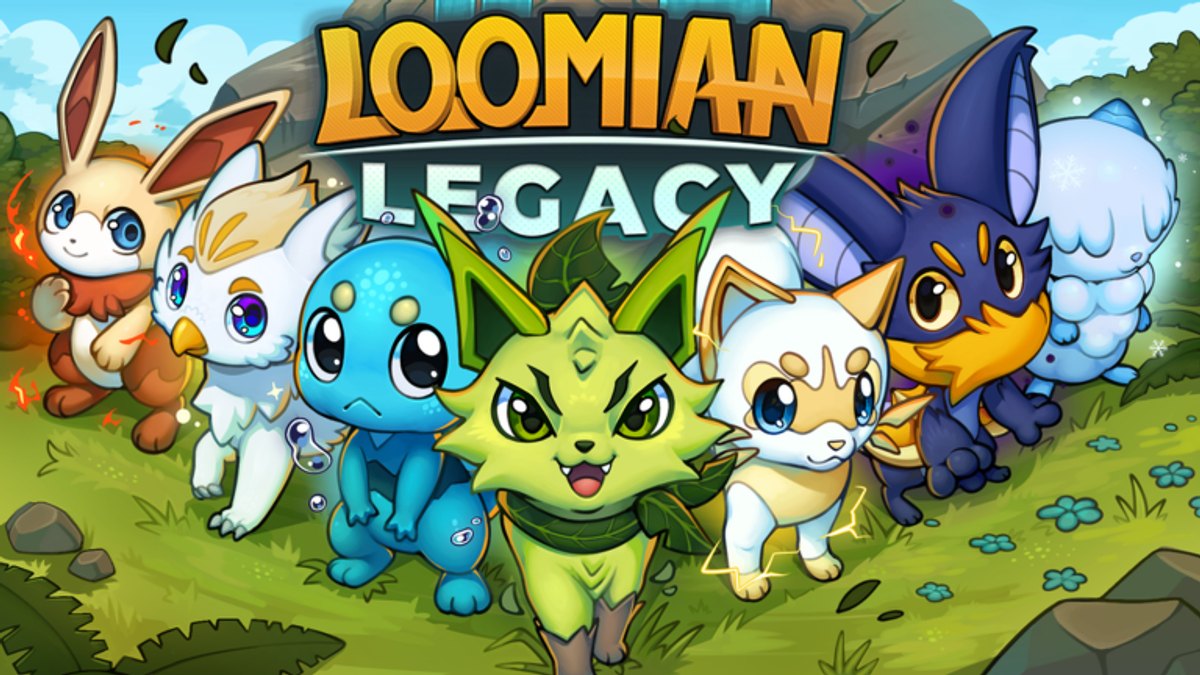
Auto farm scripts for Loomian Legacy attempt to play the grind for you: chaining wild encounters, spending Capture Discs, fleeing unwanted Loomians, and restarting battles while you AFK. Some hubs add AutoSpin Farm modules that spam gacha-style spin actions when those systems are available in current updates. None of this is supported by Llama Train Studio or Roblox, and it directly conflicts with the intended pace of an online creature-collection RPG on Place ID 306964494.
This page explains how these tools are structured, what players expect them to do, and why overnight automation frequently ends in kicks or permanent bans — not free XP.
What “auto farm” means in Loomian Legacy
Fair progression usually looks like:
- Walking routes or using encounter zones to trigger wild battles
- Choosing fight, flee, or capture based on species, UP stats, and Gleaming odds
- Managing inventory — Capture Discs, healing items, Loomian box space
- Respecting cooldowns between actions and server tick rates
Auto farm scripts replace those decisions with Lua loops wired into the Roblox client through an executor. Typical advertised features include:
- Auto Encounter — detect battle UI, select moves or flee rules, exit to overworld, walk or teleport to the next trigger
- Target filtering — only engage specific Loomians or skip non-Gleaming spawns (overlap with Gleaming Scripts)
- Auto capture — throw Capture Discs when criteria match
- AutoSpin Farm — repeat spin interactions for loot tables tied to rotating events or shop mechanics
- Anti-AFK — micro inputs so Roblox does not idle-kick the session during hours-long loops
GUI hubs group these toggles under one draggable window with start/stop buttons and sometimes stat counters (encounters per hour, discs used, spins completed).
How players typically load auto farm scripts
We describe the pattern only at a high level — do not treat this as instructions:
- Join the official Loomian Legacy experience
- Open an external executor that injects into the Roblox client
- Run a loader (commonly loadstring fetching remote Lua) from a pasted URL or hub menu
- Enable Auto Encounter or AutoSpin toggles from the script GUI
Loaders and remote URLs change constantly. A script name trending in Discord one week may be patched or malicious the next. Executors themselves are a common malware delivery method disguised as “free Roblox hacks.”
Cooldowns, server checks, and broken loops
Loomian Legacy is online multiplayer. Server-side logic validates battles, captures, and reward claims. Scripts that fire remotes faster than human input creates detectable patterns:
- Impossible encounter cadence (dozens of battles per minute)
- Capture attempts without matching battle state
- Spin requests during locked cooldown windows
- Teleport snaps across map regions without travel time
Llama Train Studio updates can silently add rate limits. When a patch lands, auto farm scripts often:
- Soft-lock the client in a battle UI loop
- Spam errors until the executor crashes
- Trigger instant kicks with “unexpected client behavior” style messages
Players interpret that as the script “needing an update,” but each retry flags the account again.
AutoSpin Farm specifics
AutoSpin modules target repetitive reward wheels or token sinks — not every Loomian Legacy season includes a spin minigame, so feature lists rotate with content. When active, spin bots claim to:
- Roll until a rarity threshold appears
- Stop on Boost Token refunds or cosmetic jackpots
- Burn free spins then paid spins if the player pre-configured Robux-adjacent items (high ban and scam risk)
Spin automation is especially visible in logs because outcomes are RNG-gated and servers log streak frequency. Legitimate players cannot click hundreds of spins per minute; bots can, until they cannot.
Economy and multiplayer impact
Auto farm tools inflate supply of farmed Loomians, discs consumed, and rare encounters found while AFK. That hurts legitimate traders at Rally Ranch and devalues time spent in Battle Theatre. Llama Train Studio has incentive to enforce against automation beyond Roblox-wide ToS language.
If you care about co-op hunts or trading reputation, being known as an exploit user can social-ban you from groups even before Roblox admin action.
Ban risk is not theoretical
Roblox Terms of Service prohibit unauthorized third-party software modifying the client. Combined with Llama Train Studio’s own interest in fair online play, outcomes include:
- Session kicks escalating to day-long suspensions
- Permanent account deletion with loss of Robux, Boost Tokens, Gleamings, and cosmetics
- Hardware or IP flagged on repeat offenses, blocking alts
“I only ran it once overnight” is a common post title on ban appeal forums. Appeals rarely restore exploit accounts.
Signs a script hub is lying
Marketing claims to evaluate skeptically:
- “Undetected forever” — patches break detection arms races weekly
- “No ban reports” — victims often use alts or do not appeal publicly
- “Full story auto completion” — quest state machines are harder than wild encounter loops and break often
- Bundled code generators — unrelated to farming; usually scams
Legitimate alternatives to auto farming
You can reduce grind without executors:
- Route planning in Getting Started — efficient early areas before Rally Ranch
- Manual encounter chains during double-XP or event windows when Llama Train Studio boosts rates officially
- Boost Tokens from real Codes Hub promos when active — spend on conveniences instead of bots
- Party up for split grind sessions — social play matches online design
Manual Gleaming hunts at Rally Ranch are slow but stay on the right side of ToS; see Gleaming Scripts for why automation is especially watched there.
QoL overlap
Some players argue they only want encounter counters or map teleports, not full AFK. Those features live in QoL Scripts categories — still injection, still bannable, but different marketing. All-in-one hubs blur the line by bundling a small QoL toggle with Auto Encounter defaults ON.
Parent and account safety notes
Younger players search “Loomian Legacy auto farm” and download random executors. Treat those downloads like unknown .exe from strangers: malware risk, password theft, and chargebacks when Robux accounts disappear. Education beats pretending scripts do not exist.
Related pages
- Scripts Hub — overview and load-pattern context
- Gleaming Scripts — rarity automation at Rally Ranch
- QoL Scripts — lighter GUI tools and cooldown helpers
- How to Redeem Codes — free Boost Tokens without exploits
Auto farm scripts promise time savings. In Loomian Legacy, the hidden cost is often the account itself — weigh that before joining an Auto Encounter loop.
Frequently Asked Questions
Quick answers for trainers exploring Roria.
What does Auto Encounter do in Loomian Legacy scripts?
It automates wild battle loops — starting encounters, choosing flee or fight rules, and restarting — without manual play. It violates ToS and risks bans.
What is AutoSpin Farm?
A script module that repeatedly triggers spin-based reward mechanics when those events exist. It sends remote requests faster than humans, which servers can flag.
Can auto farm scripts bypass encounter cooldowns?
They try, but server validation often fails or kicks the player after patches. Cooldown ignores are a common detection signal.
Will using auto farm on an alt protect my main account?
Not reliably. Roblox can flag hardware, IP, or payment ties across accounts. Alts get banned too.
What is the legit alternative to auto farming XP?
Efficient manual routes, event bonuses, co-op grinding, and Boost Token conveniences from official codes when available.